To create a stock order

1. From the Main Menu select Orders.
2. From the Order Management menu select Place New Order.
3. Enter the underlying symbol and choose Stock as the instrument type.
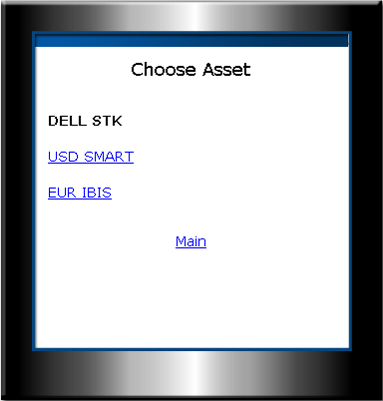
4. Select the contract from the asset list.
NOTE: Use Modify only if you want to change the underlying symbol or the instrument type.