Use Expert Mode to Send Orders
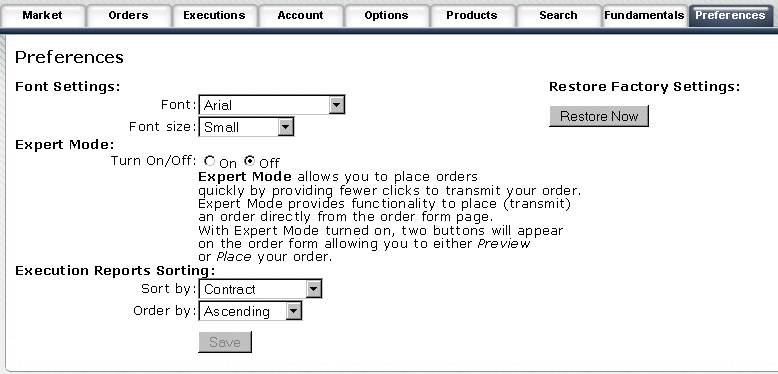
To submit orders quickly, set your mode preference to Expert Mode. This adds a button to the Order Management screen which lets you Place Order without previewing.
Switch to expert mode
Select the Preferences tab.
Click TURN ON to activate Expert Mode.
To learn more about the WYSIWYG Editor, press F1 (with your cursor in this pane) to display Help.