Manage Preferences
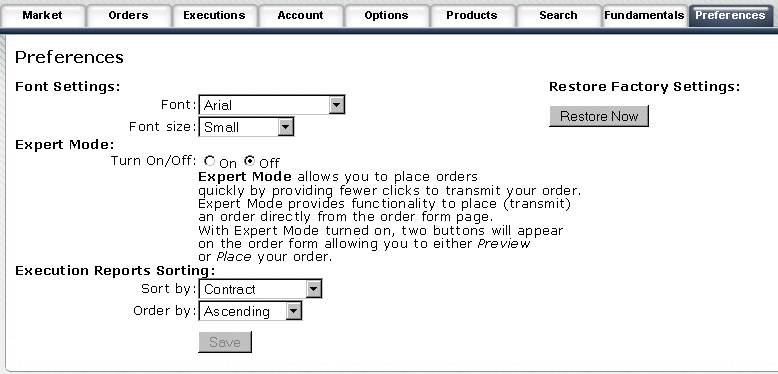
Use the Preferences tab to change your font size and style, switch between normal and expert mode, and modify your execution report settings.
To manage preferences
Click the Preferences tab.
Modify any settings and click Save.
To restore settings to the WebTrader defaults, click the Restore Now button.