Use WebTrader Simple Search
Search the Contract Information Center using the simple search.
To use simple search
Click the Search tab to open the Simple Search page.
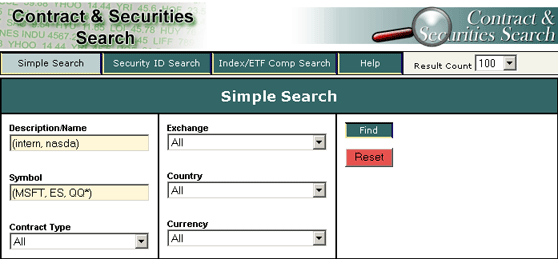
Enter information in some or all of the fields to search for a contract:
Description/Name - enter a keyword(s).
Symbol - enter the underlying symbol.
Contract Type - use All, or select from the drop-down list.
Exchange - use All, or select from the drop-down list.
Country - use All, or select from the drop-down list.
Currency - use All, or select from the drop-down list.
Click Find.
Use the Reset button to put default data back into the search boxes.